


Imagine you own a thriving coffee shop. You have regulars, a great menu and a line out the door. But then a consultant tells you, "To really succeed, you need to build a second, identical coffee shop across the street and you have to pay a landlord 30% of every latte you sell."
Sound ridiculous? Well, that’s the current state of building and distributing mobile apps on Android and iOS.
Companies who want to port their solution to mobile have two separate realities: the Web (open and accessible) and the App (with an upcharge on sold items). Progressive Web Apps (mentioned as PWAs from now on) were promised as the bridge.
In 2025 PWA technology isn’t new, but the mobile landscape has changed a lot in recent years. Let’s check together what changed and where does PWA fit in this landscape.
What’s PWA and Why Talk About It in 2025?
First introduced in 2015 by Google engineers Alex Russell and Frances Berriman, PWAs are web applications that combine the best of websites and native apps. What changed in 2025?
Apple is well known for keeping things restricted in their ecosystem, so 3rd party solutions often have a hard time integrating with their services - they say it’s to keep things clean and maintain their high standards. That’s the reason push notifications have not worked in browser-based apps.
iOS was the graveyard of PWA ambition for a long time. Apple crippled web apps to protect their system, standards and App Store revenue. But regulatory pressure and browser evolution forced their hand. By late 2024 and throughout 2025, Web Push Notifications on iOS finally became stable standard.
If you wanted to re-engage a user, you needed a Native App and now, you don't. Combined with "Project Fugu" (the web’s effort to access native hardware), browsers can now handle file systems, biometric auth and Bluetooth (unfortunately it’s mostly true for Android). The technical gap between "Native" and "Web" has shrunk drastically.
PWA vs Native and Cross-Platform Solutions
Engineering leaders love to argue about tech stack so here’s where this one fits in the 2025 ecosystem:
- Native (Swift/Kotlin): Perfect performance, full hardware access, in general it’s more expensive to build (separate codebase per platforms), slow to update. Mandatory for AR, complex gaming or heavy background processing.
- React Native / Flutter: You build once, but you still deal with the App Store "tax," the review queues, and the binary distribution headaches.
- KMP (Kotlin Multiplatform): The logic sharer. Great for sharing business logic, but you still need UI teams for each platform.
- PWA: has offline capabilities, can be installed so you can use it from the home page of your device and the app can use device resources web pages could not.
PWA is not a technology competitor; it is just easier to distribute. If your user acquisition cost (CAC) is high because people won't download a 100MB app to buy a pair of socks, PWA is the answer.
How Do PWAs Work?
The primary difference between a Progressive Web Application and a native app is in how they’re built. Progressive Web Apps are primarily designed to run inside a web browser like a website. They’re built with web technologies such as HTML, CSS, and JavaScript. This allows them to work on pretty much any device with a web browser.
Native apps, on the other hand, are built specifically for the operating system where you need them to work. Developers use native programming languages for each platform to build the app. iOS apps are built with Swift and Objective-C while Android apps are built with Java and Kotlin.
The most notable difference from a website is that they use Service Workers - code that runs in the background, separate from the main web page.
- They act as a proxy to intercept network requests.
- They enable core features like offline access by caching essential app files and data.
- They also handle background tasks like push notifications and background syncing.
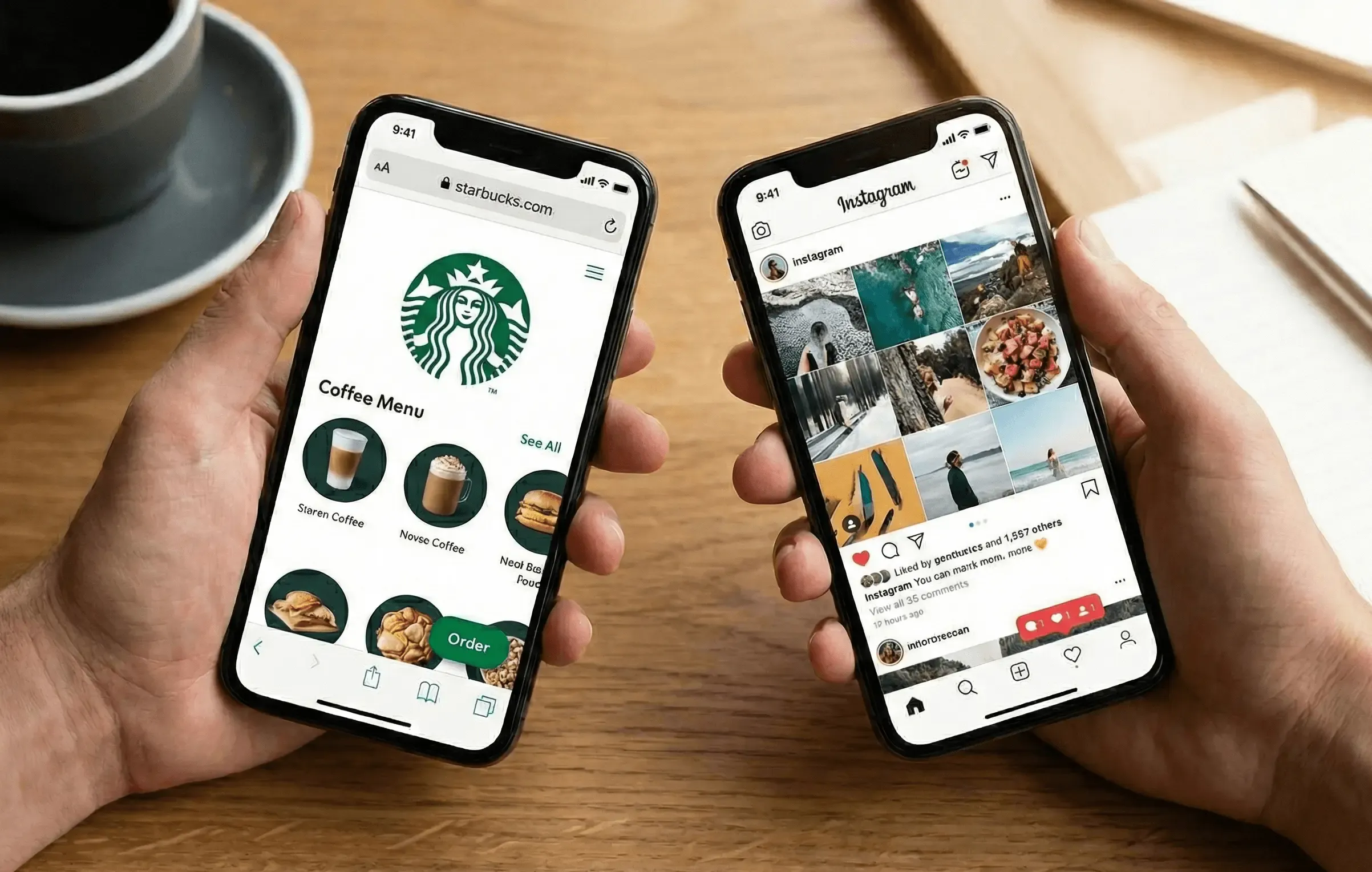
Is it better? For easy use-cases, yes. Starbucks online order app looks like a mobile app, acts like one, but it’s a PWA. Users don’t have to install anything and dev team doesn’t have to wait for store approval. You push code, the Service Worker updates and your user has the new feature instantly.
Is it worse? As capable as PWAs are compared to traditional web apps, they can’t do everything mobile apps can do. Because they are written in JavaScript, they are not as battery efficient as apps written in native languages, such as Kotlin or Swift.
Their performance is also not as good as the performance of native apps, which has a lot to do with the fact that JavaScript is a single-threaded programming language. At the moment, access to certain important device features are not perfect, including Bluetooth, proximity sensors, ambient light, advanced camera controls and others.
Who Is This For?
Not every project should be a PWA. We see too many teams trying to shoehorn complex native behaviors into the browser.
The Ideal Use-Case:
- B2B SaaS & Dashboards: Your users are on laptops and tablets. They need offline capabilities, but they don't need an accelerometer.
- E-commerce: Friction kills conversion. PWA allows a user to buy via a link from Instagram without installing anything.
- Internal Enterprise Tools: deploying a native app to 5,000 employee devices is a nightmare of MDM (Mobile Device Management). A PWA is just a URL.
The Future
We are reaching the point where the browser isn't just rendering HTML - it's running compiled code at near-native speeds. In late 2025, we are seeing heavy compute tasks (image processing, local AI models) moving to the browser.
Despite having been around for a relatively short time (even as far as web technology is concerned), PWAs have already managed to establish a new philosophy for building websites, and no company that wants to be relevant in the mobile era can afford to ignore them. If you’re ready to build a PWA or modernize your web presence, explore our available web app developers that specialize in creating fast, mobile-first digital experiences.